Bi-Fold or Tri-Fold Brochure: Choose the Fold Around Your Content
Choose a brochure fold by what readers need to see together. Compare four- and six-panel options, then test the reading order with your real content.
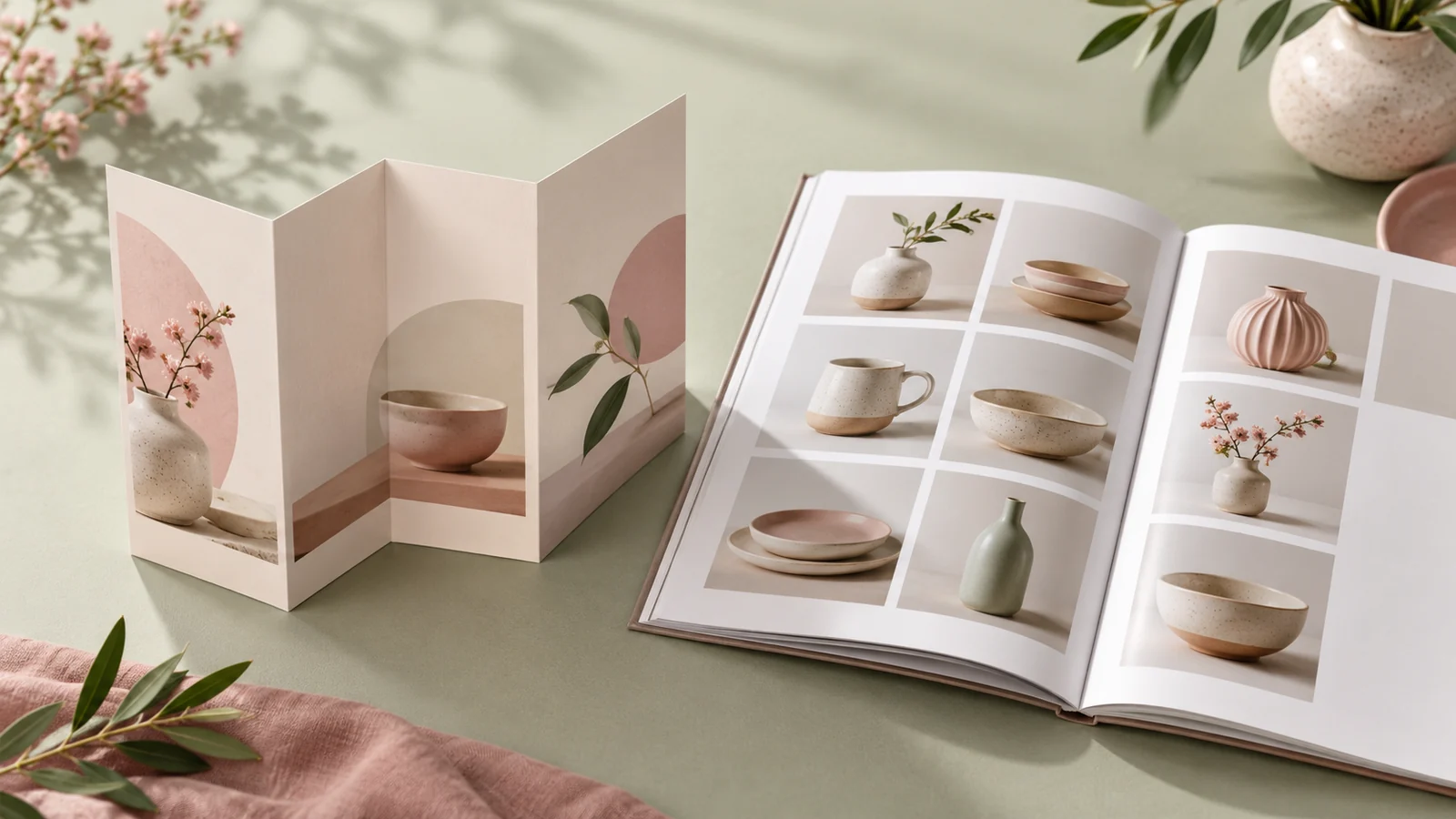
Choose a bi-fold brochure when your message benefits from fewer, wider reading areas. Consider a tri-fold when you can divide the information into short, distinct sections. Decide using the actual content and the way someone will open the piece, rather than assuming more panels make a better brochure.
For a Kenyan business commissioning design and print, agree the fold, flat size and finished size with the supplier before the layout is final. The same fold label can be used differently in product menus. A physical sample or the printer's own template makes the intended result clearer than a name alone.
What bi-fold and tri-fold mean here
In this guide, bi-fold means a sheet folded once in half, giving four printed panels across its two sides. A common tri-fold divides the sheet into three sections, giving six printed panels across both sides. PrintPlace's brochure folding reference describes the half-fold and three-section options.
Those counts do not tell you the reading order. An inward-folding leaflet and a Z-fold can both have six printed panels but open differently. Ask the designer and printer to show which panel becomes the cover, which is seen next and how the fully opened piece looks. Do not treat six panels as six interchangeable pages.
Compare the content before choosing the fold
| Reader's task | Option to explore | What to test |
|---|---|---|
| Understand one service through a few large images and short explanations | A bi-fold with a clear inside spread | Can the main explanation be read comfortably when opened? |
| Browse several brief service categories | A tri-fold with a separate purpose for each panel | Do the sections remain readable without shrinking the text? |
| Follow a sequence across connected sections | A Z-fold or another opening sequence agreed with the printer | Does the order still make sense as someone unfolds it? |
| Compare many products and specifications | Reconsider the document, not just the fold | Would a catalogue or a longer format serve the comparison better? |
This is a planning aid, not a fixed specification or a list of products Onek stocks. For the last case, use the separate brochure versus product catalogue guide before trying to fit a large range into a folded sheet.
Count the content you actually have
Write the main message, the essential supporting points, the evidence you can use and the next action. Gather the real headings, longest service name and photographs. Placeholder copy can hide how crowded a panel will become.
A narrower panel may suit a short answer but be awkward for a detailed table or wide photograph. More panels divide the available sheet; they do not create unlimited room. If the copy does not fit, first consider editing, a different finished size or another document format. Small type should not be the default solution.
Test one brief in two reading sequences
Imagine a Kenyan maintenance company introducing a site-assessment service. This is a hypothetical planning example, not a Onek client project. The company needs to explain who the service is for, what happens during an assessment and how a buyer requests a discussion.
For a bi-fold, it could test a cover with the main promise, an inside spread explaining the service and process together, and a back panel with the contact route and information to prepare.
For a tri-fold, it could try a cover, a short fit checklist, a process overview, an approved example of the work, preparation notes and the contact route. These are proposed content roles, not left-to-right artwork positions. The actual fold template determines where each role belongs.
Both versions answer the same buyer question. If the process needs one broad illustration, the bi-fold may be easier to read. If every section is short and useful on its own, the tri-fold may work well. If there is no genuine sixth section, do not invent filler just to occupy a panel.
Make a plain folded mock-up
Before polishing colours and images, fold a blank sheet to match the intended format. Label the cover, contact area and content sections. Open and close it as a recipient would, then check the intended route through the information.
Ask someone who has not written the copy to identify the offer and next step. Note where they turn the sheet, miss a section or expect related information to appear together. Use the observation to improve the layout; it is a usability check, not proof of future sales.
A handwritten mock-up establishes content order. It does not approve production measurements. Give the designer the supplier's current template and ask the printer to confirm panel widths, fold direction, safe areas and any required creasing. Keep essential text clear of folds according to that specification.
Approve the physical and digital versions separately
Record both the unfolded sheet size and the closed finished size. Confirm that the proposed stock and finishing suit the fold. The paper-selection guide covers the material and finished-sample questions without prescribing one universal GSM.
Review a suitable folded proof with the actual smallest text and key image. Confirm that the cover closes as intended, the correct information appears as it opens, and nothing important is hidden or difficult to read.
A print layout showing both sides of the unfolded sheet may be confusing on a phone. If you will send the brochure by email or WhatsApp, agree how its digital version should be read, including page order and useful links. A digital reading copy and a printer's production file can serve different tasks.
Questions to settle in the design brief
- Who receives the brochure, and what should they understand or request?
- Which content must be seen together, and which sections can stand alone?
- What are the agreed flat size, finished size and fold template?
- Who supplies and approves the copy, images and contact details?
- Which print, digital and editable deliverables are included?
- Who approves the folded proof, and who confirms the production specification?
Turn the fold choice into a clear scope
Share the content list, a simple folded mock-up and the intended distribution with Onek Designs' brochure and catalogue design service. Ask the proposal to distinguish design, copy work, print preparation and any production services. Choose the format that lets the reader follow the message comfortably, then confirm the physical result with the printer before ordering.