Roll-Up Banner Printing Checklist Before You Approve Production
Check banner dimensions, supplier templates, images, safe areas and approvals before printing, with practical questions about hardware and delivery.
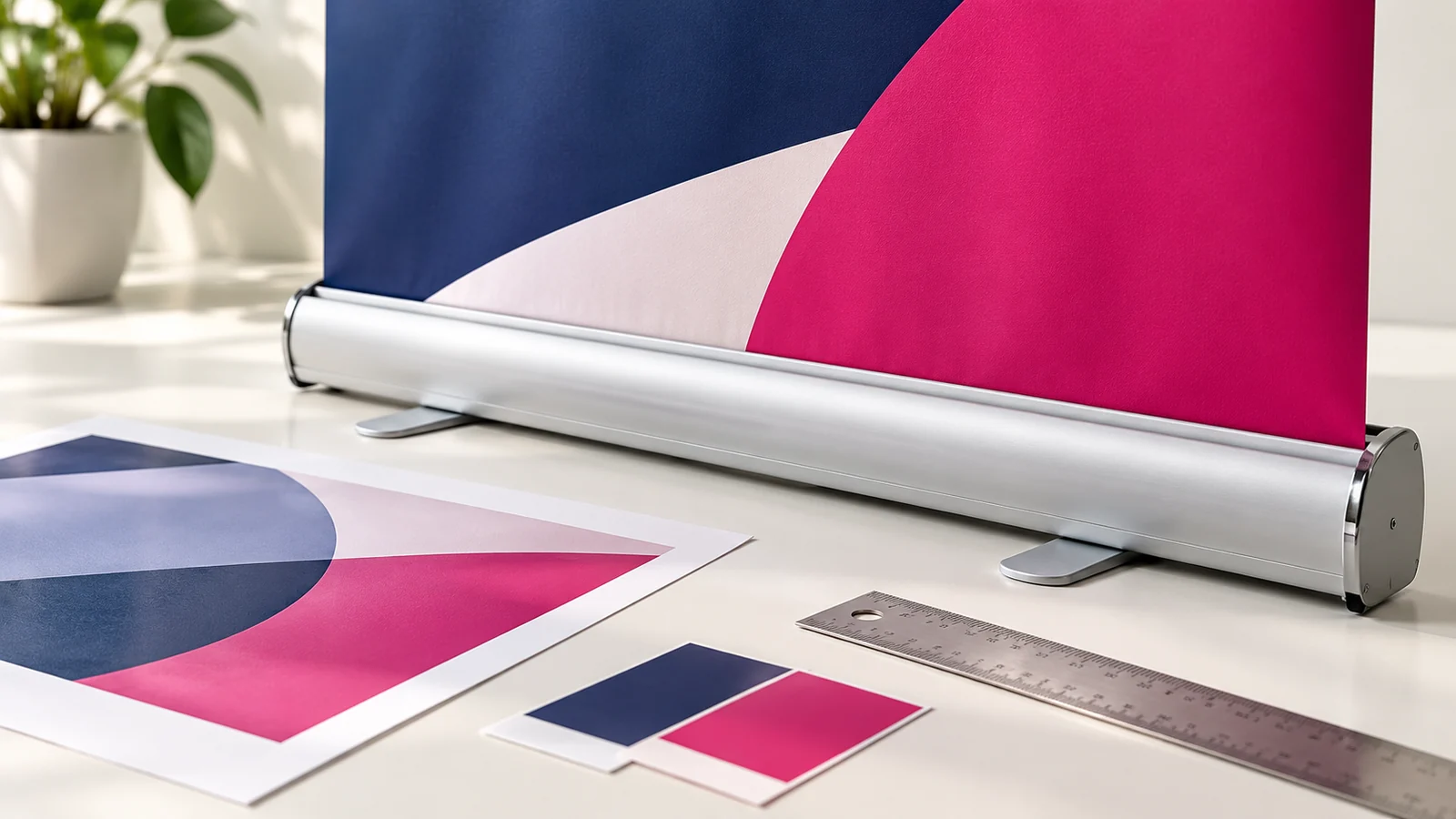
Before approving a roll up banner, confirm that the artwork matches the actual stand, the important content sits inside safe areas and the supplier has checked the production file. Approval should cover both the design and the physical order. A correct image sent for the wrong hardware can still produce an unusable result.
Keep one record containing the artwork version, dimensions, quantity, hardware choice, delivery location and deadline. This reduces confusion when the designer, printer and event organiser are different people.
Confirm the complete order
Ask what the quoted price covers: artwork, printing, stand mechanism, carrying case, assembly and delivery. Check whether the unit is intended for the way you plan to use it. Repeated transport may justify a different hardware choice from a display that stays in one reception area.
Discuss replacement options if the artwork changes later. Some arrangements may allow the printed panel to be replaced, but the practical method and cost depend on the hardware and supplier. Confirm that before choosing equipment solely on its initial price.
Use the supplier’s exact template
Request the required artwork dimensions, visible area and any allowance for the mechanism. Identify the safe area for important content and any bleed requirements. Do not use a template found online without confirming it matches the ordered unit.
Keep contact information, logos and essential text clear of edges and concealed areas. If a supplier changes the hardware after artwork approval, pause and recheck the file. A small specification change can alter what is visible once the banner is assembled.
Assess images at output size
Use the original image files rather than copies repeatedly forwarded through messaging apps. Ask the designer or print supplier to assess detail at the intended scale. Image quality depends on the source, output size and viewing conditions, not simply a number entered in an export dialogue.
Check logos and lettering carefully. Enlarging a low-resolution logo can make rough edges highly visible. If the original artwork is unavailable, resolve that issue before production rather than expecting the printer to recreate it without an agreed brief.
Review colours and fine details
Screens are not a guarantee of the finished printed colour. Discuss proofing when a colour match is commercially important. Review gradients, dark backgrounds and fine text because they can reveal production issues more clearly than a simple layout.
Ask the supplier to confirm the accepted file type and colour preparation. Keep an approved visual proof alongside the production file so they can identify accidental changes. Do not assume that renaming an image to PDF makes it a properly prepared print document.
Test response elements
Verify phone numbers, email addresses and web destinations against your approved contact record. If there is a QR code, print a proof at its intended size and test it with more than one phone. Check the destination itself for mobile readability and working actions.
Remember the placement. A code can scan perfectly on a desk and still be inconvenient when mounted behind furniture. The roll up banner design brief should include where people will stand and how they are expected to respond.
Approve content and production separately
Have the business owner or content owner confirm the facts, then have the production contact confirm the specifications. Record approval against a named version. If a late change is made, issue a replacement approval rather than relying on an old message.
Before dispatch, ask for a photograph of the assembled unit where practical. On receipt, inspect the print, mechanism and stability according to the supplier’s instructions. Allow time to address defects before the event rather than opening the package for the first time at the venue.
Questions to settle early
Can I send the printer a WhatsApp preview?
Use the agreed original production file. A chat preview may be compressed or intended only for approval. Make it clear which attachment is authorised for printing.
Should I approve only the digital proof?
A digital proof checks content and layout, but it cannot establish every physical quality. Discuss material samples, colour proofs and hardware checks according to the importance of the job.
How should I plan the deadline?
Work backwards from when the assembled banner must be at the venue. Include content approval, production, delivery and inspection time. Confirm the schedule with the supplier rather than relying on an assumed turnaround.
Send a complete production brief
Share the hardware specification, venue deadline and approved content with Onek Designs. Clear preparation protects the design investment and gives the supplier fewer reasons to guess.