QR Code Business Cards That Lead Somewhere Useful
Plan a QR code business card around a useful destination, clear scan instructions and real print tests, with advice on links you can maintain.
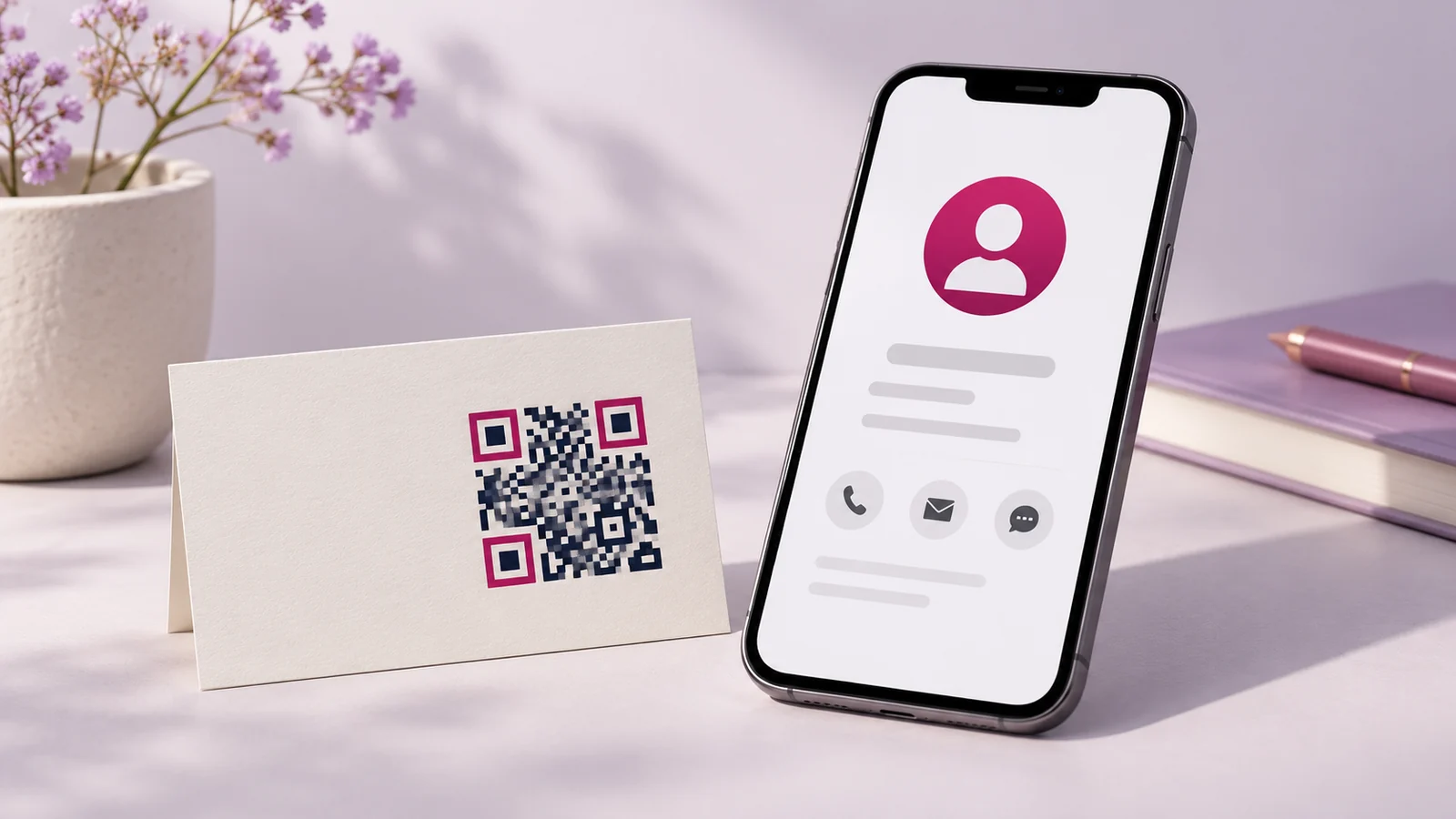
A QR code earns its space on a business card when scanning it is easier than typing the information and the destination helps the recipient act. That destination might be a contact page, booking form, product catalogue or a specific service page. The code itself is only the bridge.
Start with what the recipient needs after meeting you. Sending everyone to a crowded homepage can add work at the moment they expect a shortcut. Choose a page that continues the conversation and gives one clear next step.
Match the destination to the conversation
For a salesperson, a capabilities page with relevant products may be useful. For a consultant, a booking or enquiry page may be better. A retailer might link to a current catalogue, provided someone is responsible for keeping availability and contact details accurate.
Keep the destination concise on a phone. The card may be scanned in a busy room or while the recipient is travelling. They should be able to identify the business, understand the page and act without creating an unnecessary account.
Choose a link you can maintain
A direct code encodes a destination. If that destination later disappears, the printed code cannot change itself. A redirect under a domain you control can offer flexibility, but it introduces an ongoing responsibility to keep the redirect and domain working.
Some third-party QR services offer editable destinations or analytics. Check their plan terms, renewal costs and what happens if the subscription ends. Do not print a large batch while relying on a temporary trial link whose future behaviour you have not confirmed.
Give people a reason to scan
Place a short label near the code, such as “View our services” or “Save our contact details.” The label should describe the actual destination. “Scan me” offers little explanation and asks the recipient to trust an unknown action.
Retain a readable contact route as well. A card should still work for someone who does not scan codes. Include the essential phone, email or website information rather than replacing every useful detail with a square graphic.
Protect scanning performance
Ask the designer to preserve strong contrast and the clear area around the code. Avoid placing it over a busy image or applying decorative effects before confirming that it scans reliably. The finished size depends on the encoded content, print quality and use conditions; a universal minimum should not replace testing.
Test the code from an actual printed proof using more than one phone. Scan it under ordinary indoor lighting and at a comfortable distance. A code that works from a large computer preview may fail on a small glossy card. Include this test in your business card design brief.
Test the whole journey
Open the destination after scanning and check every important action. Does the booking form submit? Does the call link use the correct number? Does the catalogue load on a mobile connection? Does the recipient encounter an access request or expired document permission?
Also check what happens after a business change. Keep a record of which printed materials point to the destination and who owns the link. That makes it easier to update the page without accidentally breaking cards already in circulation.
Measure scans carefully
If your setup records scans or page visits, treat those as engagement signals rather than confirmed leads. One person may scan more than once, and a visit does not prove a business conversation happened. Compare the scan activity with actual enquiries and their quality.
For a simple pilot, distribute a manageable quantity of cards, ask new contacts whether the linked information was useful and review common questions. Improve the destination before investing in more elaborate tracking or a larger print run.
Common questions
Should the code open WhatsApp?
It can, when starting a conversation is the intended action. Explain what the recipient should ask about and check that the business number is correct. A service page may be more helpful when people need context first.
Can I put my logo inside the code?
Discuss it with the designer and test the actual output. Decoration should never take priority over dependable scanning. Keep an undecorated option available if the branded treatment performs poorly.
Can I update a printed code later?
Only through the behaviour of the destination or a maintained redirect arrangement. A printed code does not become editable merely because the artwork file remains editable.
Design the card and destination together
Ask Onek Designs to plan the card around the follow-up action. Supply the final destination and approve a physical scan test before printing the full quantity.