What to Put on a Business Card So People Can Follow Up
Choose the right business card details, improve readability and plan a clear follow-up action before approving your design or sending it to print.
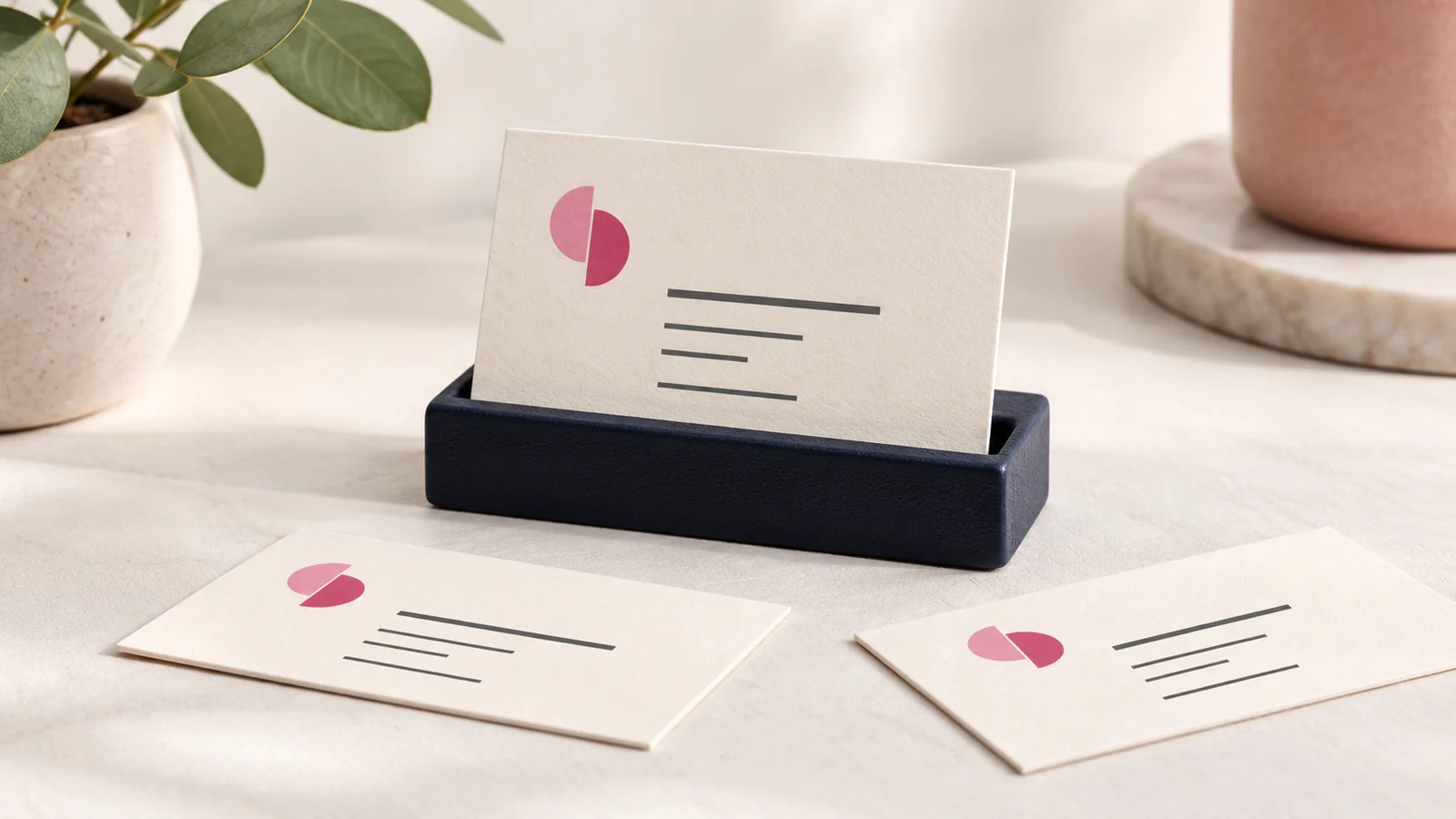
A business card should make the next conversation easy. Put the person’s name, useful role, business identity and best contact route where they can be read quickly. Add only the supporting information a new contact needs to understand what you do and decide how to reach you.
The challenge is usually editing. A small card cannot comfortably carry every service, social account and business slogan. Choosing a clear purpose produces a more useful card than shrinking the text until everything fits.
Decide who receives the card
Think about the situation in which you hand it over. A procurement contact may need your company website and role. A walk-in customer may need your location and booking number. A networking contact may mainly need to remember your name and the conversation you had.
That context determines the information hierarchy. For a personal sales card, the employee’s name can lead. For a retail business card left at a counter, the business name and service may matter more. Both can use the same brand system without having identical layouts.
Keep the core details clear
Confirm the exact spelling of the name, role and business. Use a phone number that someone actively monitors. Include the country code when your contacts may save or use the number internationally. Choose an email address that your business can maintain rather than one tied to a temporary staff arrangement.
Use the website address if it helps people explore the offer. Include a physical location when visiting is part of the intended action, but avoid forcing complicated directions onto the card. A location page or map destination can hold those details more comfortably.
Write a short description when the name is unclear
Some business names explain the service; others do not. If a stranger cannot infer your offer, add a short descriptive line. “Commercial kitchen equipment” communicates more than a broad slogan such as “Making possibilities happen.”
Keep the description accurate and specific enough to be useful. Do not promise nationwide installation, immediate delivery or specialist capabilities unless your business can support those commitments. The card should open an appropriate conversation, not create expectations the team cannot meet.
Use the reverse deliberately
A second side can hold a simple service summary, appointment space or a QR code linked to a relevant page. It should not become a dumping ground for information removed from the front. Give it a separate job that complements the first side.
For example, a consultant might place contact details on the front and a link to a short capabilities page on the back. A service business taking repeat bookings might reserve writing space. Discuss these uses when scoping business card design with Onek Designs.
Review the design at actual size
Zoomed previews make small text look easier to read than it will in print. Review a proof at the intended finished size. Check contrast, spacing and the distinction between similar characters in phone numbers and email addresses.
Confirm the printer’s dimensions, bleed and safe margins before final export. Keep essential details comfortably inside the safe area. If you choose an unusual finish or shape, ask the printer whether fine lettering, QR codes or edges need special treatment.
Approve the information separately from the style
Use two review passes. First approve the layout, colour and hierarchy. Then proofread every character against an authoritative contact list. Ask the actual cardholder to confirm their details. A polished design with one incorrect digit can prevent every intended follow-up.
For a team, establish one template and collect staff details in a consistent format. Agree how long names and job titles will be handled. This avoids a separate design solution for every new employee and helps cards look like part of the same organisation.
Frequently asked questions
Do I need every social media handle?
No. Include the channel that helps the recipient take the next useful step. Several inactive accounts add clutter and can weaken confidence when people visit them.
Can I leave out my job title?
Yes, if your name and business description already provide enough context. Use a role when it helps a recipient understand your responsibilities or decide whether to contact you.
Is printing included in design?
Check the quote. Artwork, print quantity, paper, finishes and delivery are separate scope decisions unless expressly bundled. Confirm the physical production details before paying for a print run.
Prepare your card for production
Send your approved contact details, logo files and intended use to Onek Designs’ business card service. Ask for a readable layout and a production proof that you can check at actual size.