Why Your Print Poster Needs a Separate Social Media Version
Adapt one campaign for posters, flyers and social media without stretching the layout, losing important details or sending the wrong file to print.
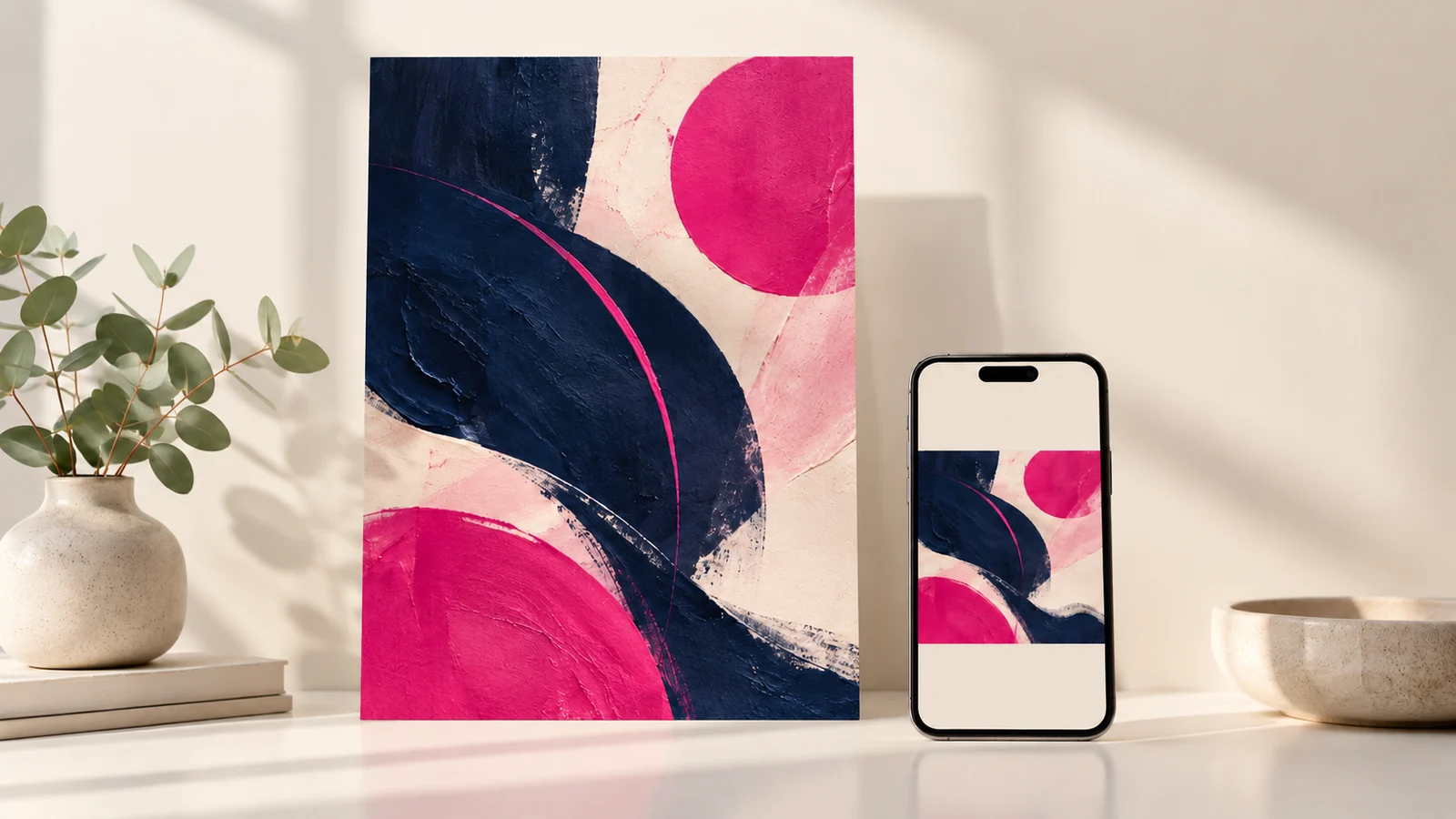
One campaign can share the same visual identity across print and social media, but it should not depend on one stretched image. Different shapes, viewing distances and response habits change how the information needs to be arranged. A useful adaptation preserves the campaign idea while rebuilding the layout for the placement.
This matters when a business wants a poster, a feed image and a vertical status update from the same brief. Simply cropping the approved poster may remove the date or contact details. Shrinking everything may preserve the content but make it unreadable on a phone.
Start with the viewing situation
A poster may be seen from a distance while someone is moving. A printed flyer may be held long enough to read more detail. A social image appears among other content and may be viewed on a small screen. Each needs a different balance of headline, supporting information and imagery.
Define what must be understood immediately in every version. Then decide which details can move into the caption, a second image or a landing page. The essential offer should remain clear even when the social image is forwarded without its original caption.
Create an asset family
Agree a master direction: colours, typography, image treatment and headline style. Build the required layouts from that system. A vertical version can stack information, while a wider layout can place the visual beside the text. The result should feel related without forcing every item into the same arrangement.
Confirm the actual dimensions required by the printer or publishing platform before final production. Platform placements and specifications can change, so a remembered size should not replace a current check. Include the intended placement in filenames to prevent accidental uploads of the wrong version.
Prepare print files for the supplier
Ask the printer for finished dimensions, bleed, safe areas, colour requirements and accepted file format. Keep important text away from trim edges. Ensure photographs have sufficient detail at the intended output size and supply suitable logo artwork.
Large-format work deserves special attention because scale and viewing distance affect image requirements. Avoid applying a single resolution rule to every item. Give the supplier the intended finished size and ask them to assess the artwork before a full print run.
Prepare digital files for actual screens
Check legibility on a phone at normal viewing size. Do not rely on a desktop preview enlarged to fill the monitor. Reduce secondary text if necessary, while retaining the date, location and main response action where those details are essential.
Export with enough clarity for the placement without unnecessarily heavy files. Review the uploaded result because a platform may compress or crop the image. Check the preview before publishing and avoid placing critical copy where interface controls can obscure it.
Keep the message consistent across versions
Maintain a single approved record for dates, prices, contact information and terms. Adaptations are a common point where an old date or outdated offer survives. Compare every version against that record instead of checking each artwork in isolation.
For an event, identify a content owner who signs off the facts and a design owner who checks layout consistency. This separation makes review faster: a creative change should not accidentally become a change to ticket conditions or the venue address.
Order the right adaptations from the start
When briefing Onek Designs’ flyer and poster service, list the exact print and digital uses. Ask whether the quote includes resizing, reflowing the layout, extra languages and later date changes. These are different tasks and can affect the scope.
Request clearly labelled delivery folders for print and digital assets. Keep the approved production files separate from previews. A compressed chat attachment is useful for review, but it should not silently replace the original file sent to the printer.
Common production questions
Can I print a social media image?
Possibly, if it meets the intended size and production requirements. Ask the printer to assess it. A small social export should not be assumed suitable for a large poster.
Does the print version need a clickable link?
Printed links are not clickable. Use a readable short destination or a tested QR code when appropriate. Digital formats may support clickable links elsewhere in the post or document.
Should every version have identical text?
The facts should remain consistent, but the amount and arrangement of supporting text can change. Preserve the offer and essential conditions while adapting the reading experience.
Make one campaign work across placements
Share your distribution plan with Onek Designs. Agree the full asset list before approving the master direction so each finished version has a clear purpose.