Logo Files Your Business Needs for Print and Digital Use
Understand SVG, PDF, PNG and JPG logo files, colour versions and handover checks before sending your identity to a printer or website designer.
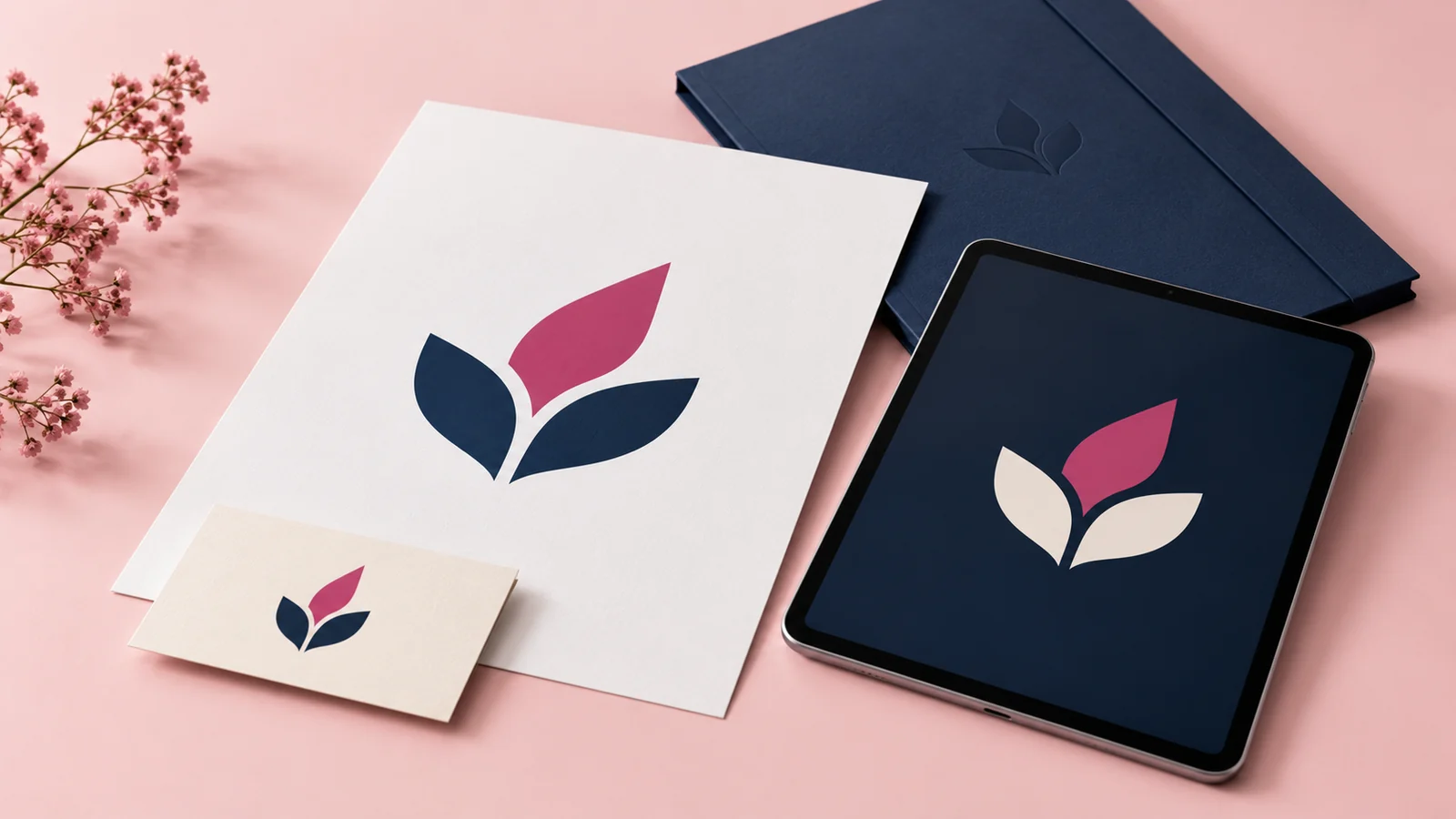
Your final logo should arrive as a usable set of files, with clear names and versions for the places you intend to use it. One image downloaded from WhatsApp is rarely a sufficient business handover. A printer, website designer and social media manager may each need a different export of the same approved identity.
The simplest approach is to agree the handover before design begins. Ask what is included, which files remain editable and whether you will receive light, dark and single-colour versions. Then check those files against real tasks instead of judging the delivery by the number of items in the folder.
Understand the difference between artwork and exports
A source file is the working document used to create or edit the logo. An export is a file prepared for a specific use. Receiving a PNG does not necessarily mean you have the editable artwork. Receiving a PDF does not automatically prove that every element inside it is vector artwork either.
Vector shapes can be scaled without the pixelation associated with enlarging a small raster image. That makes vector artwork useful for signs and other varying sizes. Raster files contain pixels and need enough resolution for their intended dimensions. Ask the designer to verify the artwork itself, not merely change the filename extension.
Match each file to its job
An SVG is commonly useful for web interfaces and scalable graphics, subject to the platform accepting it. A well-prepared PDF is often suitable for exchanging artwork with print suppliers. A transparent PNG is convenient for presentations, social layouts and placing the logo over a background. A JPG may be useful where a platform requires a flat image without transparency.
None of these formats replaces a conversation with the supplier. A sign maker may request a particular vector format or outlined lettering. A website may impose upload restrictions. Confirm requirements before exporting the final set so you avoid unnecessary conversions later.
Request useful colour versions
Ask for the normal colour logo, a version that works on dark backgrounds and a single-colour version where needed. Check each one against its intended background. A white logo saved on transparency can appear blank in a white preview window even though the file is correct.
Record the colour specifications used by the designer and explain any important print requirements. Screens and printed materials reproduce colour differently, so a screen preview cannot promise an exact physical match. For colour-sensitive work, agree a proof with the printer before approving a large run.
If several people will use the identity, a visual identity guide can document the correct versions, spacing and backgrounds. That prevents each supplier from improvising a different result.
Check the delivery with five practical tests
First, open every file rather than assuming the archive is complete. Second, place the logo on both a light and dark background. Third, view it at the smallest intended size. Fourth, ask a print supplier to confirm the production file is usable. Finally, confirm that the agreed editable assets and font information are included.
Use readable filenames such as brand-primary-colour.svg and brand-white-transparent.png. Keep an untouched master folder and distribute copies. Staff should not have to guess whether a file called final-new-2 is the approved version.
Avoid expensive handover gaps
A logo embedded in a mockup is a presentation, not necessarily usable artwork. A photograph of a business card is not a logo source file. Screenshots may be enough to explain a problem but are poor substitutes for original assets when changing a sign or rebuilding a website.
If your only surviving file is a small image, ask for an assessment before committing to production. The work may involve reconstructing the artwork rather than simply sharpening it. Confirm which details should remain exact and check curves, alignment and lettering before approving the rebuilt identity.
Common file questions
Does a transparent background make a logo high resolution?
No. Transparency and resolution solve different problems. A small transparent PNG can still become visibly pixelated when enlarged. Request the appropriate artwork for the final use.
Must every employee receive the source file?
No. Most staff need approved exports and simple usage guidance. Keep editable masters accessible to the people responsible for maintaining the brand, with a dependable backup.
Can one file work everywhere?
Sometimes a platform accepts a versatile format, but a practical handover usually includes several exports. The goal is a manageable set that covers real applications, not dozens of unexplained duplicates.
Get a handover you can use
When requesting logo design from Onek Designs, list your print and digital applications. Confirm the file set in the quote and review it before closing the project.