Livestream Setup Checklist for a Business Event in Kenya
Prepare a business event livestream with a clear programme, audio plan, connection tests and named responsibilities before the event goes live.
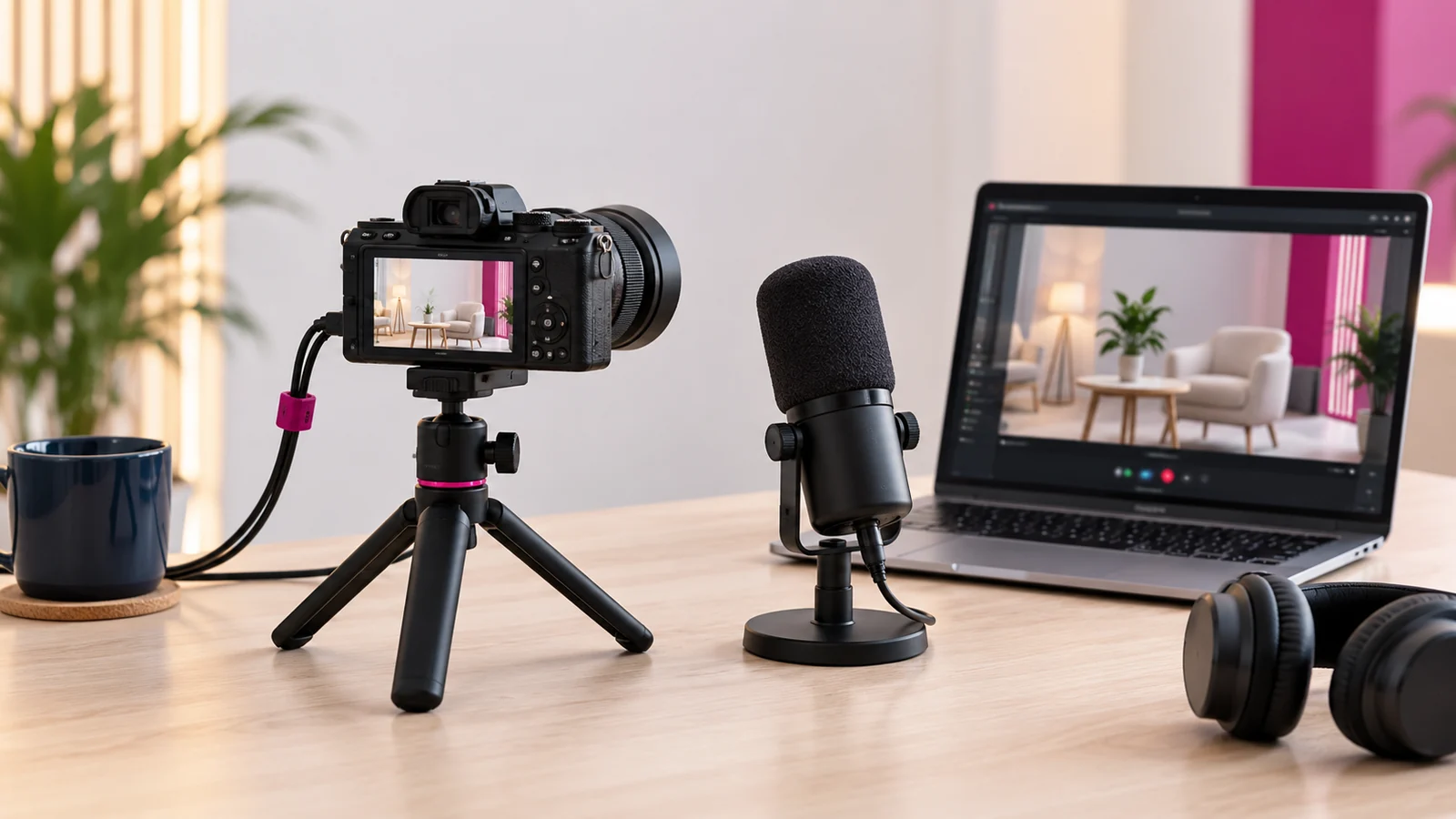
A dependable livestream starts with a clear programme, usable audio and a tested connection from the venue to the audience. Camera quality matters, but it cannot compensate for missing sound, unclear responsibilities or a stream that begins without checking the destination.
Write the online viewer’s experience into the event plan. They may not see the room, hear audience questions or understand a long pause unless the production team provides that context. Treat the stream as a designed experience rather than a camera placed at the back of the venue.
Define the audience and access
Decide who should watch, where they will watch and whether access is public or restricted. Confirm the platform account and the people authorised to operate it. Create the event destination early enough to test and distribute the correct link.
Check the platform’s current requirements and features directly for the intended account. Eligibility, settings and access controls can change. Do not discover a restriction during the event because the team assumed a previous setup would still behave identically.
Build the programme for production
Prepare a running order with speakers, presentations, videos, breaks and audience interaction. Identify which elements need graphics, screen sharing or changes in camera coverage. Give the production team the final names and titles in an approved document.
Include cues for transitions. A moderator should know when the stream is live, when a remote speaker is connected and when a break begins. Clear cues reduce uncertainty for both the room and the online audience.
Prioritise the audio path
Identify how each speaker reaches the stream: lectern microphone, handheld microphone, panel microphone or remote connection. Test the actual arrangement with the venue sound team. A room may sound acceptable in person while the stream receives a weak or distorted feed.
Plan how questions from the audience will be captured. If the online audience cannot hear the question, ask the moderator to repeat it or provide an appropriate microphone process. Do not assume the camera microphone can reliably cover the entire room.
Check connectivity and power
Test from the actual venue position and intended network. Review the stream’s supported settings with the technical team and platform guidance. Avoid choosing settings simply because the equipment can produce a higher resolution.
Agree a practical contingency for connection or power interruptions. Define what the operator will do, what the moderator will tell the audience and whether a local recording is part of the scope. A backup plan should be tested rather than merely listed in the proposal.
Prepare the visual materials
Collect presentation files, speaker names, holding slides and approved logos. Confirm display proportions and readable text sizes. A slide built for a large room may still be difficult to read on a phone through a livestream.
Check that all videos, images and music are cleared for the intended use. The event’s permission to play material in a room should not be assumed to cover every online distribution scenario. Resolve the specific usage before the production team receives the final programme.
Run an end-to-end rehearsal
Test cameras, sound, presentations and the viewer destination together. Have someone watch from a separate device with headphones and report the actual experience. The operator’s preview alone does not establish what the audience receives.
Include a transition, remote speaker and audience question if they are part of the event. Onek Designs’ livestream setup service should be briefed with those programme requirements, venue details and rehearsal expectations.
Assign monitoring and follow-up
Choose someone to watch the stream, handle relevant comments and alert the operator to problems. Keep this role separate from tasks that require continuous camera or audio attention where possible. Establish a simple communication route for urgent issues.
Afterward, verify the recording and access settings before sharing. Confirm who owns the files and whether editing, captions or highlight clips are included. Keep the delivery scope clear so the event does not end with uncertainty about the recording.
Common livestream questions
Is a fast advertised internet package enough?
No. Test the actual connection and setup at the venue. Reliability and the complete production path matter as well as a headline speed.
Do we need several cameras?
That depends on the programme and desired coverage. A simple event may need fewer sources, while panels or demonstrations can require more deliberate switching.
Should we record locally?
Discuss it as part of the production plan. A local recording can serve a different purpose from the platform archive, but equipment, storage and responsibility must be confirmed.
Brief the whole event experience
Share the programme, venue and audience access needs with Onek Designs. Build time for testing before the audience arrives.
Read next
Hybrid Event Audio: How to Keep the Room and Online Audience Connected