Hybrid Event Audio: How to Keep the Room and Online Audience Connected
Plan microphones, remote speakers and monitoring for a hybrid event so both the venue and online audience can follow the discussion clearly.
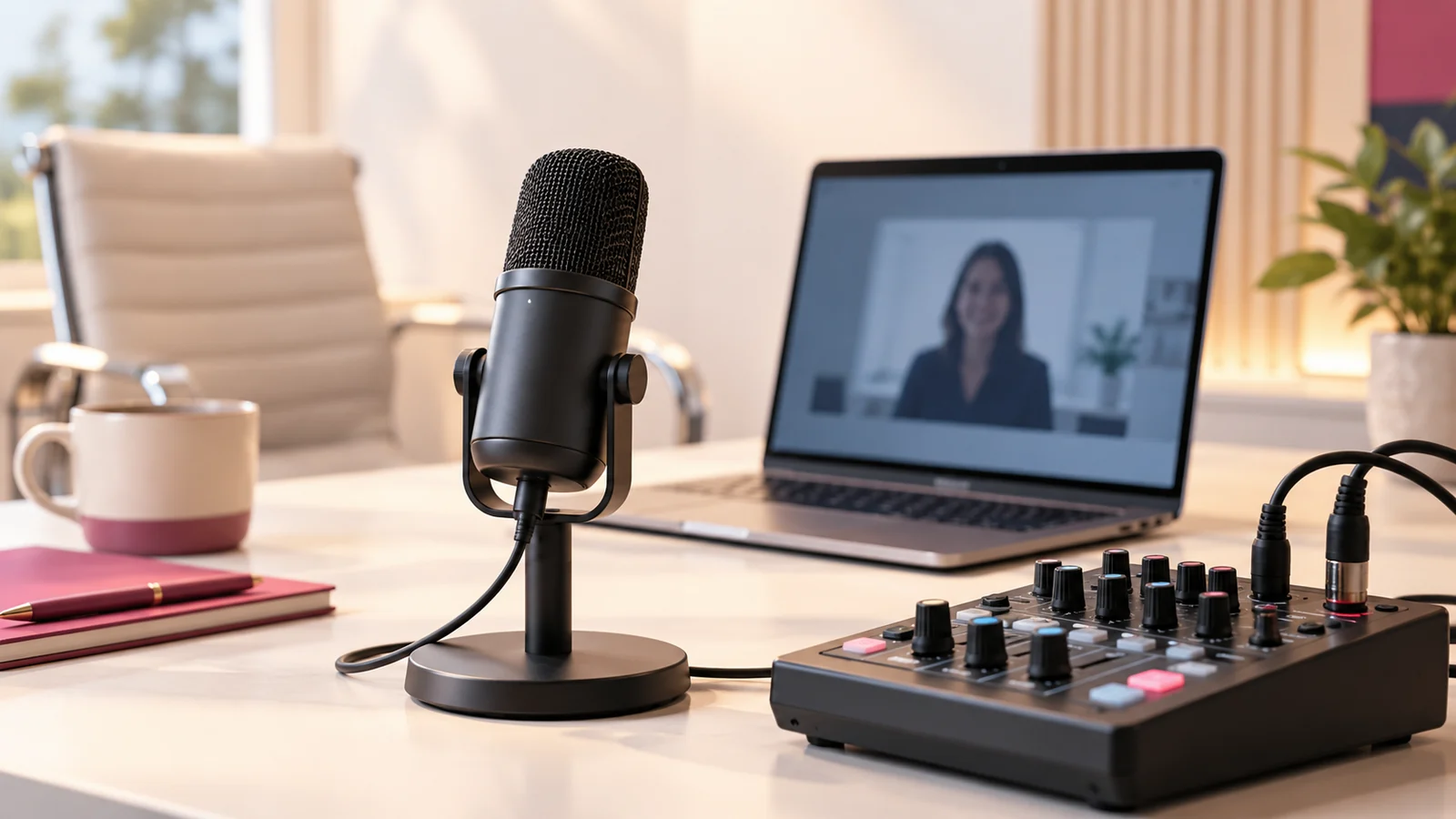
Hybrid event audio must serve two audiences at once: people in the room and people listening remotely. Each needs to hear the relevant speakers clearly, without repeated sound, missing questions or confusing delays. The setup should be planned with the venue and production team before the event begins.
Start by drawing a simple list of who speaks and who needs to hear them. Include presenters, panellists, remote guests and audience members. This reveals the required audio paths more clearly than choosing equipment before understanding the programme.
Separate the room and stream requirements
The room sound system is designed for the physical audience. The stream needs a suitable feed of the programme audio. Those are related but different requirements, and the output that sounds good in the venue may not be ideal for the online listener.
Ask the audio team how the stream feed will be provided and monitored. Confirm responsibilities between the venue technician and streaming operator. A cable handed over without a shared level check is not an adequate rehearsal.
Give every speaking position a plan
Identify the microphone arrangement for the lectern, panel, moderator and audience questions. Test normal speaking positions rather than having everyone stand unusually close during rehearsal. Consider how microphones will be passed and who manages the process.
For a panel, decide how interruptions and quieter speakers will be handled. A moderator can support clear turn-taking and repeat an unheard question. Operational habits matter alongside equipment because unpredictable microphone use can undermine an otherwise capable setup.
Prevent duplicate audio paths
Remote speakers should understand which device provides their microphone and which provides listening. Multiple open devices in the same space can create repeated audio or feedback. Close or mute unnecessary paths and test the arrangement with the actual participants.
The production team should manage the return feed so remote participants hear what they need without an unhelpful delayed copy of their own voice. This requires a deliberate routing plan. Describe the requirement to the technical provider rather than assuming the conferencing platform resolves every venue setup automatically.
Test presentation and video sound
If the programme includes videos or demonstrations, check their audio through the same path the event will use. A video may play visibly on the operator’s screen while its sound fails to reach viewers. Test both the room and online destination.
Keep media files organised and confirm which machine plays them. Last-minute changes between laptops can introduce new settings and outputs. Include those transitions in rehearsal when they are unavoidable.
Monitor what the audience actually hears
Assign someone to listen to the online output using a separate device and suitable headphones. They should check clarity, balance and missing sources. The production preview and the room loudspeakers do not provide the same perspective.
Agree a simple way to report problems without interrupting the event unnecessarily. The operator needs actionable information, such as the remote guest being inaudible, rather than a general message that sound is bad. Rehearse how the team will respond.
Prepare the speakers
Give presenters a short briefing on microphone distance, movement and handling. Explain whether they can leave the lectern and how audience questions will work. Remote speakers should join early enough for a connection and audio check.
Provide a contingency for a speaker whose connection fails. The moderator may need to move to another programme item while the technical team resolves it. Discuss these scenarios when commissioning livestream setup from Onek Designs.
Review the recording before sharing
Check the recorded audio as well as the live experience. Identify any missing sections, private conversations or unintended background sound before distribution. Confirm whether editing and cleanup form part of the agreed scope.
Record the successful setup for repeat events. Keep notes about microphone assignments, routing and platform settings, while rechecking them when equipment or software changes. A previous event is a useful reference, not a guarantee that every future setup is identical.
Common hybrid audio questions
Can the camera microphone handle the whole room?
It may be inadequate for distant or multiple speakers. Assess the actual venue and programme with the audio team rather than relying on that assumption.
Why can the room hear someone but viewers cannot?
The room and stream may be receiving different sources or levels. Check the routing and monitor the online destination directly.
When should remote speakers join?
Early enough to test their actual connection, microphone and listening arrangement before their programme slot. Agree a specific rehearsal time with the team.
Treat audio as a planned part of the event
Share the speaker list and interaction format with Onek Designs. A clear audio plan makes the hybrid experience easier for everyone to follow.