Letterhead Design for Kenyan Businesses: Brief and Template Checks
Plan a letterhead around real correspondence, with a practical brief, sample-letter checks and a clear record of the template your team accepts.
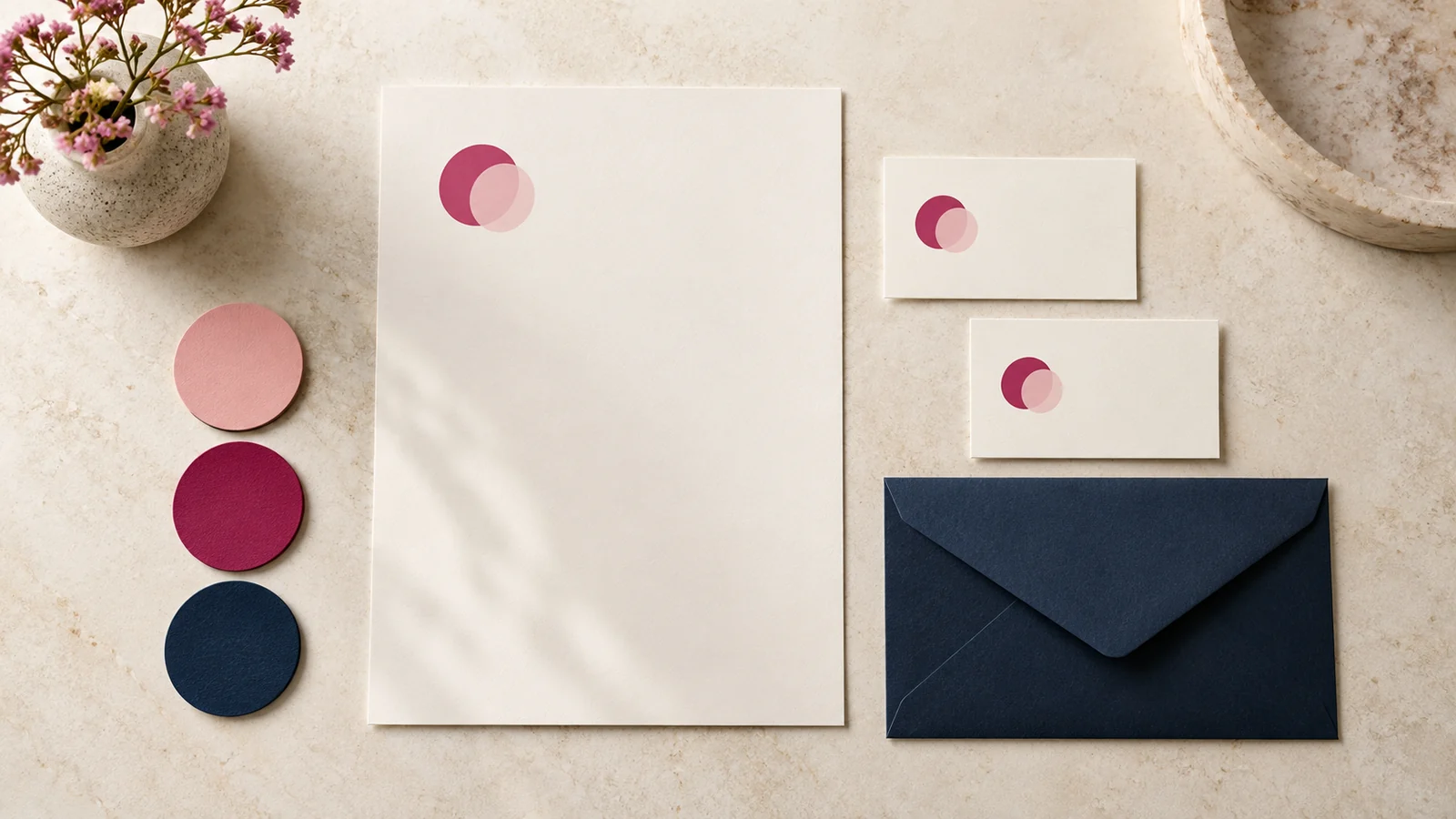
A useful company letterhead needs accurate identity details, room for the message and a format staff can use reliably. Before commissioning it, decide whether you need an editable office template, artwork for preprinted stationery, a finished PDF letter or a combination. Approving a picture of the page does not confirm that the working template behaves correctly.
For a Kenyan business, the most useful brief starts with the correspondence your team actually sends. A short introduction, a long appointment letter and a letter containing a table can expose different layout problems. Test those ordinary tasks before rolling the template out to everyone.
Write down the working requirements
Give the designer the approved organisation name, logo files and current contact details as typed text. Identify the contact route recipients should use. If different departments need different numbers, supply an approved list instead of asking the designer to choose from old documents.
State the paper size, office software and intended output. A team using desktop Word and an office printer has different handover needs from a team producing fixed PDF letters. If several applications are used, name them and ask which ones the agreed template will support.
Supply any required identifiers or wording from the organisation's approved requirements. Have the responsible person verify them. Choosing legal disclosures is a separate decision from arranging the page; do not copy another company's footer as if it establishes your own requirements.
Choose the files around the task
- Editable office template: for staff preparing new letters. Specify the application and ask how they should create a fresh document without overwriting the master.
- Finished letter PDF: for an approved message ready to send. Reopen the export and check the actual pages, text and contact links.
- Print artwork: for a supplier producing blank branded stationery. Confirm their file requirements and leave space for the letter that staff will print later.
- Reference preview: for identifying the approved appearance. Keep it clearly labelled so it is not mistaken for the editable or production file.
Microsoft's template guidance explains using a saved template as the starting point for new documents. Ask for a short handover instruction suited to your team's software; a file extension alone does not show that staff know how to use the file.
If the project is part of a wider identity package, use the brand kit checklist to agree the full application list. Do not assume every package includes every editable format or printed stock.
Test a small set of realistic letters
Use invented sample content or approved non-confidential text for the review. There is no need to send employee records, customer correspondence or signatures just to test spacing.
Run these checks in the environment staff will use:
- Create a short letter. Check that the recipient block, subject, message and closing fit comfortably.
- Add enough text for a second page. Check the continuation header, footer and page break rather than manually shrinking the font.
- Try the longest likely organisation or department name. Check whether it collides with contact details or pushes the body down unexpectedly.
- Insert a modest table and a longer reference number. Check that neither runs outside the writing area.
- Export the example to PDF and reopen it. Check the first and last page, the reading order and the exact contact details.
- Print an appropriate sample if paper output is required. Check readability and positioning with the intended office setup before ordering a large batch.
These are proposed acceptance checks, not a guarantee that one file works identically in every application. Record which software and output were actually tested, then resolve anything outside that scope before relying on it.
A completed handover note: fictional example
Imagine a Kenyan equipment-maintenance business whose operations and sales teams share a letterhead. This is a fictional planning exercise, not a Onek client result. Operations writes two-page service letters; sales usually sends a short introduction as a PDF. Both teams use the same identity, but each has a different approved enquiry address.
Their review note could read:
- Master: Maintenance-Letterhead-v3, with an operations version and a sales version. The approved differences are the department label and enquiry address.
- Checked: a short sales letter exports to one page; a longer operations letter continues cleanly onto page two; both show the correct department contact.
- Correction required: the long operations reference pushes the subject onto an awkward line. Revise the spacing and return a replacement proof before approval.
- Still to test: the office printout. The PDF review has not approved preprinted paper or printer compatibility.
- Owner: the nominated coordinator receives the replacement, checks both versions and records which files are released to staff.
After the correction, repeat the affected check in each version. Do not approve an old attachment because it has a familiar thumbnail. Keep the accepted file names with the review note so the next colleague can identify the actual master.
Keep everyday editing separate from identity changes
Tell staff which parts they may change for each letter: recipient, date, reference, subject and body. Keep the approved logo and shared contact details controlled through one owner. If a telephone number changes, update the master and any approved department variations together.
Archive superseded working copies according to your normal document process. Make the current template easy to find and include a short instruction for creating a new letter. If staff repeatedly paste the logo into a blank page, the handover needs more than another attractive preview.
Use the brand consistency audit to check related documents. The letterhead should belong to the same visual system as proposals and business cards while leaving the letter itself easy to read.
Brief the stationery within the wider brand
Share your approved identity files, contact list, software requirements and sample-letter tests when discussing brand identity packages with Onek Designs. Ask the quotation to identify the letterhead variations, editable formats, handover instructions and any separate printing work. Agree those deliverables before approving the layout.