WhatsApp Checkout or a Chat Button: What Your Website Needs
Understand the difference between opening a WhatsApp chat and capturing an order, including product details, payment states and staff follow-up.
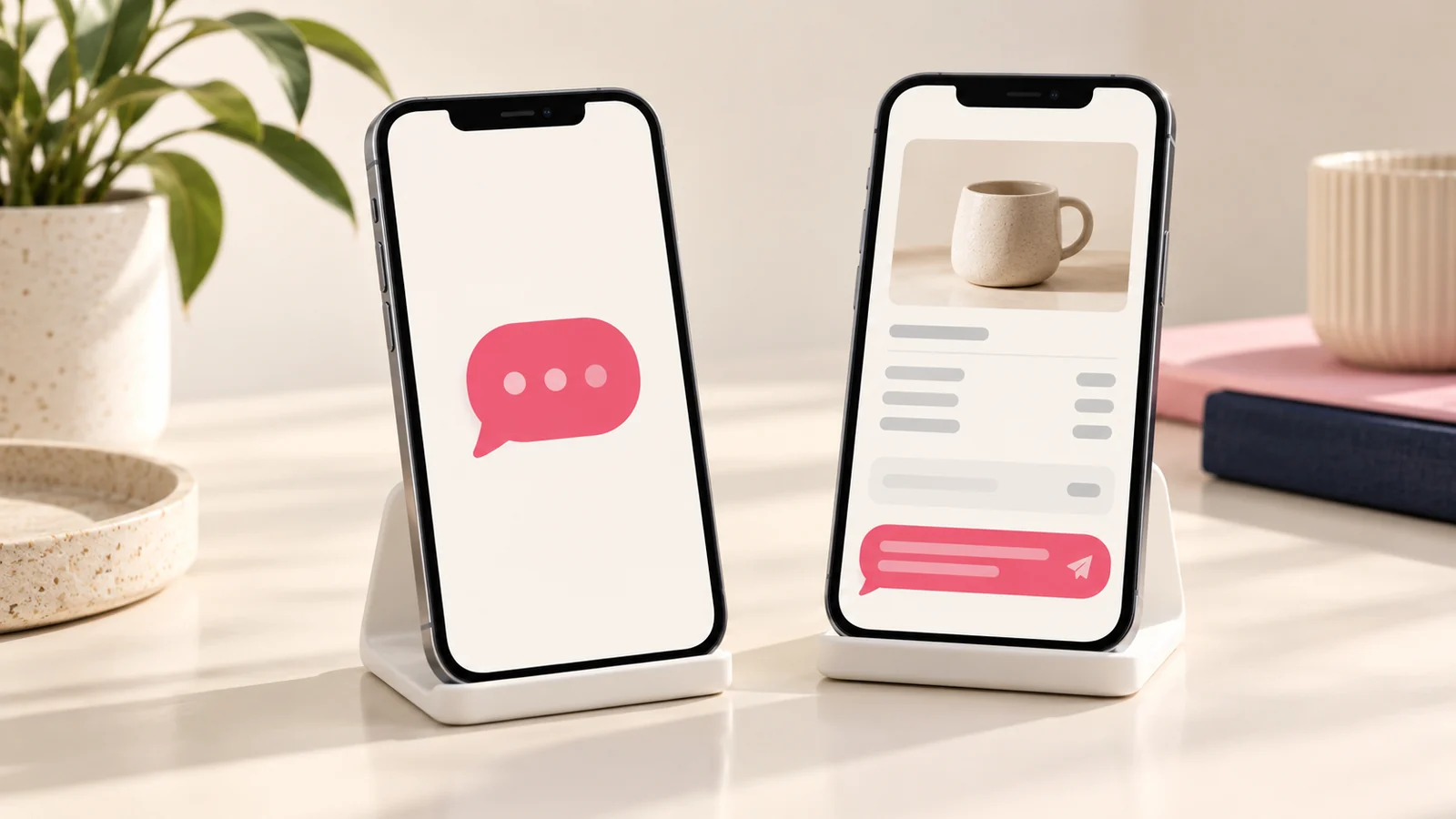
A WhatsApp chat button opens a conversation. A checkout flow collects the information needed to create and manage an order. The two can work together, but they should not be described as the same capability. Decide whether your business needs a simple enquiry route or a structured ordering process.
This distinction matters when staff spend time asking customers to repeat product choices, quantities and delivery details. A better flow can carry that context into the conversation, while still allowing a person to answer questions or confirm special requirements.
Use a chat button for open questions
A simple chat action can suit services that need discussion before a quote. The visitor may want to check suitability, explain a problem or ask about availability. A relevant prepared message can identify the page they came from without pretending an order already exists.
Keep the contact route dependable. Verify the number and tell visitors what kind of response to expect. If several staff handle enquiries, establish who owns each conversation so a convenient button does not create an unmanaged queue.
Use structured checkout for defined selections
When a customer can choose a product or package, collect the selected item, quantity and relevant options before handover. Show a summary they can review. If delivery or customisation changes the total, explain how that will be confirmed.
Decide whether the website creates an order record or merely prepares a message. The distinction should be visible to both customer and staff. An unsent WhatsApp message is not a submitted order, and opening a chat does not prove that the business received anything.
Separate order and payment states
Define received, awaiting confirmation, awaiting payment, paid and fulfilled as appropriate to the business. Only mark payment confirmed when the relevant verification has occurred. A customer’s statement or screenshot may help investigation but should not silently replace the agreed confirmation process.
If the flow includes a payment integration, scope it separately from the chat link. Confirm provider accounts, transaction handling, error states and reconciliation. Do not imply that a WhatsApp message itself provides payment verification or automatic stock control.
Preserve useful context
Use stable product references and an order summary that staff can understand. Avoid sending a long, unstructured message that becomes difficult to check. Include only the information needed for the transaction and keep customer data handling appropriate to the workflow.
For example, a furniture enquiry might need the selected model, finish and delivery area, with final transport costs confirmed separately. The message should make that provisional status clear instead of presenting an incomplete total as final.
Plan the staff workflow
Specify where orders are recorded, who confirms availability and how customers receive updates. A useful website flow should reduce repeated typing without removing necessary checks. Staff need a clear way to identify duplicates and return to unresolved requests.
When discussing Onek Designs’ WhatsApp checkout service, describe your current order process. Confirm whether the scope includes only a plugin interface or also integrations, notifications and back-office records.
Test across the intended devices
Check the journey on phones and desktop environments your customers use. Confirm that product details survive the transition and that the destination opens correctly. Test what happens when the visitor does not send the prepared message.
Also test a changed quantity, missing required detail and unavailable product. The interface should explain the next step rather than allowing an invalid order to appear complete. Keep the written brief aligned with those acceptance scenarios.
Common WhatsApp ordering questions
Does clicking the button mean an order was placed?
Not necessarily. It depends on whether the website creates a confirmed record or simply opens a draft conversation. Tell the customer exactly what has happened.
Can checkout work without online payment?
Yes, if the process clearly states how payment and confirmation happen afterward. Avoid presenting the request as paid before verification.
Should every business use structured checkout?
No. A simple enquiry route may be enough for highly customised work. Use structure where it removes repeated questions and improves order accuracy.
Choose the flow around the transaction
Share your product or service selection process with Onek Designs. Define what the website confirms, what staff confirm and how the customer can tell the difference.
Read next
A WhatsApp Order Process That Keeps Products Payments and Delivery Clear