PWA or Native App: Which Fits Your Business Workflow?
Compare a progressive web app and native app by the tasks users perform, device requirements, distribution and maintenance rather than appearance alone.
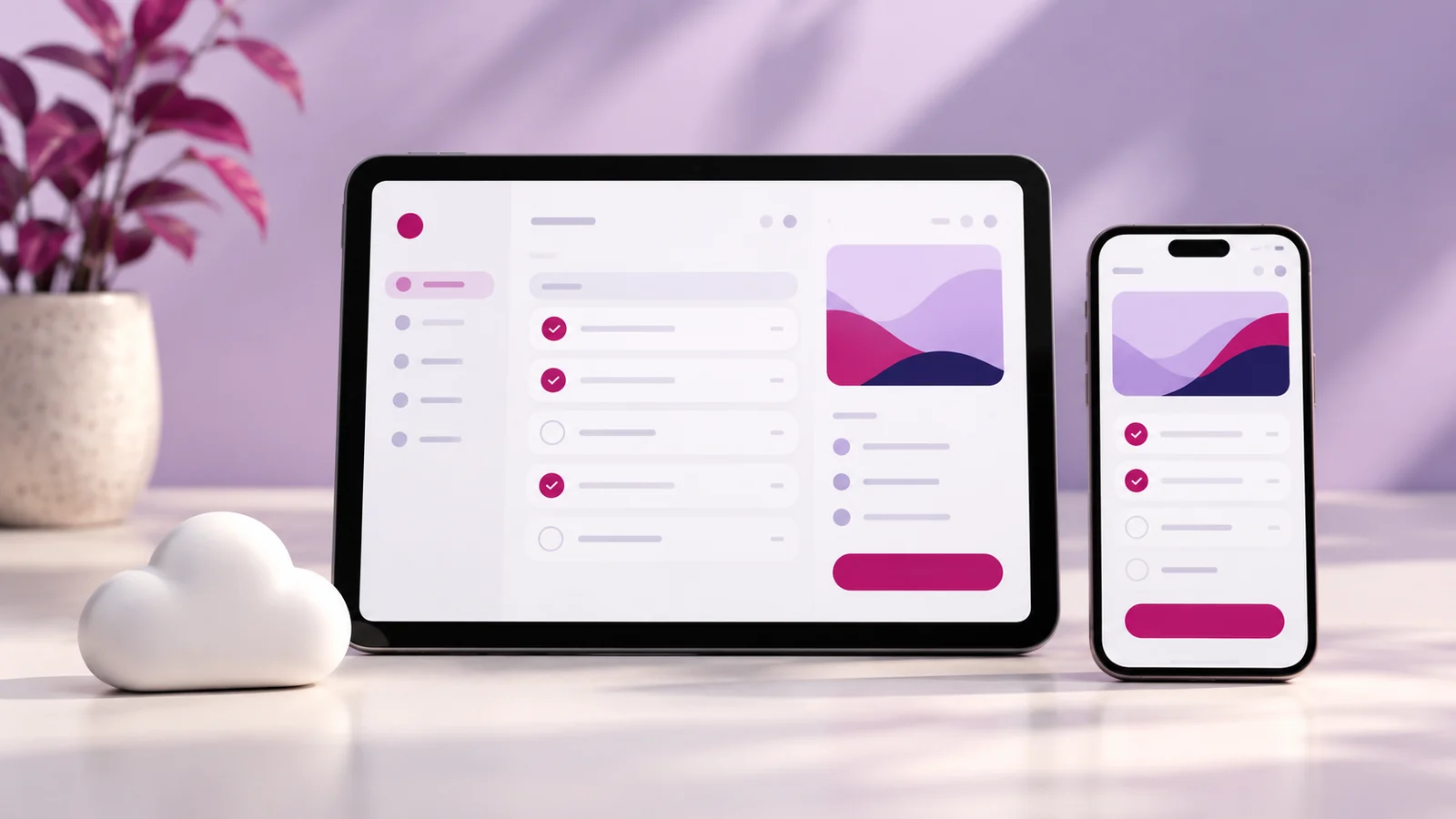
A progressive web app can be a useful option when customers or staff need an application accessible through the web with selected app-like capabilities. A native app may be appropriate when the workflow depends on particular device features or platform behaviour. Choose by testing the required tasks on the devices your audience actually uses.
Avoid deciding from the icon or home-screen appearance alone. Two applications can look similar while having different limits around installation, notifications, background work and offline behaviour. Those differences matter when the application supports real business operations.
Define the repeated task
List what the user returns to do: check an order, record field information, manage appointments or view a customer account. Identify the minimum steps and information needed. A clear workflow is a better starting point than a request to turn the website into an app.
Separate occasional information browsing from repeated operational tasks. A conventional website may be sufficient for the first. An application becomes more useful when users need saved state, personalised records or a recurring process that ordinary pages do not handle comfortably.
Check device and browser requirements
Identify the devices, operating systems and browsers you need to support. Test the capabilities relevant to the workflow rather than assuming every feature behaves consistently everywhere. Installation paths and available capabilities differ across environments.
MDN’s PWA installability guidance explains the role of the web app manifest and differences in installation support. It also distinguishes installability from offline capability. Treat those as separate acceptance criteria in your project brief.
Describe offline needs precisely
“Works offline” can mean several things: showing previously loaded information, saving a draft or completing an action that will be submitted later. Specify which of those is required. Some operations, such as verifying a current payment or live stock state, still need a server connection.
Define what the user sees when information may be outdated. An application should not present cached stock or an unsent order as confirmed live information. The interface must explain the state in language that supports a safe business decision.
Compare distribution and updates
Consider how users will discover, access and return to the application. A web link can be convenient for some audiences, while app-store distribution may fit other expectations. Confirm the practical steps rather than assuming users will install whichever option you build.
Ask how updates will be released and how older clients are handled. An operational app needs a plan for compatibility, recovery and communication when a change affects the workflow. Maintenance is part of the project, regardless of the distribution method.
Include accounts and permissions
Define who can see and change each type of information. A customer portal, staff dashboard and administrator interface have different access needs. Authentication alone does not establish that every record is protected correctly.
Specify testing for those roles and for common error states. If the application stores customer or business data, agree how records are retained, backed up and recovered. Keep the design focused on the user’s task while documenting the responsibilities behind it.
Choose through a small working proof
For uncertain requirements, build or request a focused prototype of the hardest workflow before committing to the whole product. Test it on representative devices and connections. This is more useful than discovering a platform limitation after every screen has been designed.
Discuss the required tasks through Onek Designs’ PWA development service. Ask for an explicit feature-support matrix and acceptance checks for the environments your users rely on.
Common platform questions
Does a PWA automatically work offline?
No. Offline behaviour must be designed and implemented for defined tasks. Installation and offline functionality should be scoped separately.
Can a PWA replace every native app?
No. Suitability depends on the required device capabilities, user expectations and platform support. Validate the difficult requirements before choosing.
Is one option always cheaper?
No. Cost depends on scope, integrations, supported environments and maintenance. Compare proposals for the same workflow and acceptance criteria.
Start with the workflow and devices
Share the repeated tasks, users and offline requirements with Onek Designs. Let those requirements guide the platform decision and the first development phase.
Read next
Offline Web App Requirements: What Must Happen When the Network Drops