Product Page Content That Helps Customers Decide Before Checkout
Improve product pages with clear specifications, useful photos, variant information and delivery expectations that help shoppers make informed choices.
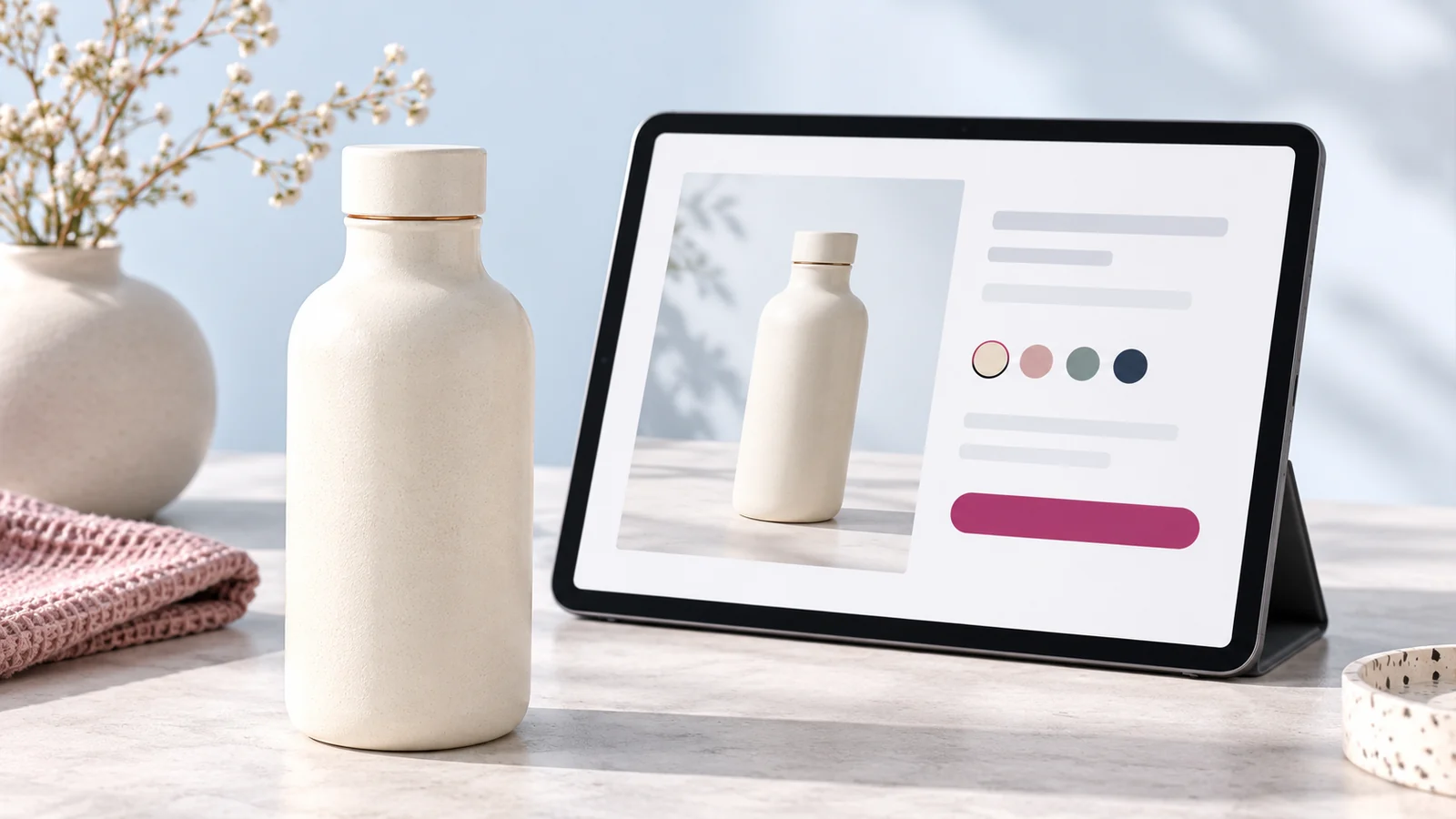
A product page should answer the questions a customer needs resolved before adding an item to the cart. Show what the product is, what makes it suitable, which option is being selected and what the buyer can expect after ordering. Good product content reduces uncertainty without making promises the business cannot fulfil.
Start with the questions your team receives in chats and calls. Repeated questions about size, compatibility or what is included often reveal gaps in the product page. Fixing those gaps can make the buying journey clearer even before you change the visual design.
Give the product a clear name
Use a name that identifies the item and distinguishes it from similar products. Include relevant specifications where they help recognition, but avoid turning the title into a long list of search phrases. The title should still read naturally to a customer.
Keep naming consistent across the website, invoices and fulfilment records. If staff refer to the same item by several names, include a stable product reference. This makes enquiries and order handling less ambiguous.
Explain usefulness with accurate details
Describe the intended use and the practical characteristics that matter to the buyer. Support benefits with information: dimensions, material, capacity, care instructions or compatibility where relevant. Avoid vague statements such as superior quality without explaining what the customer is receiving.
Use short sections for information that needs scanning. A customer comparing several items should be able to find the same type of specification in a consistent place. Do not bury important limitations beneath promotional paragraphs.
Show photographs that answer questions
Include views that reveal shape, scale, details and relevant packaging or included components. Use images that accurately represent the product and distinguish variants. A photograph of one colour should not imply that every option has the same appearance.
Provide useful alternative text according to the image’s purpose. The W3C image guidance explains that informative images need meaningful text alternatives, while purely decorative images are handled differently. Describe the image rather than inserting a list of keywords.
Make options and pricing unambiguous
Ensure the selected size, colour or configuration is obvious. Show how the choice affects availability and price. If a product requires a quotation, explain what information is needed instead of using a misleading placeholder price.
State what is included and what must be bought separately. A lifestyle photograph may show accessories that are not part of the sale. Clear wording prevents customers from assuming the whole scene is included in the listed amount.
Explain delivery before the final step
Give buyers accessible information about delivery coverage, charges and the fulfilment process. If the exact charge is calculated later, explain how and when. Avoid surprising the customer with essential information only after they have invested time in checkout.
Keep availability current and distinguish stocked items from items sourced after an order. Staff should understand the same information the customer sees. Contradictory answers between the product page and a WhatsApp conversation weaken confidence.
Use credible proof and useful support
Show genuine reviews or relevant demonstrations only when they are available and authorised. Do not manufacture testimonials to fill an empty section. A clear specification, dependable contact route and honest explanation can be more useful than unsupported praise.
Add answers to recurring product questions and make the enquiry route specific. If a buyer asks about compatibility, staff should know which product page prompted the question. Discuss that context when planning an ecommerce store with Onek Designs.
Review the page through a buying task
Ask someone to choose a product for a realistic need and explain their choice. Note where they hesitate or ask for missing details. Test the page on a phone and confirm that options, price and the add-to-cart action remain easy to use.
Measure product views, cart actions and completed orders as separate stages. A stronger product page does not automatically solve payment or delivery problems elsewhere in the journey. Use the data and customer questions to identify the next issue.
Common product page questions
Should every description be long?
No. Match depth to the decision. A technical or unfamiliar product needs more explanation than a simple, well-understood item. Keep essential facts easy to scan in either case.
Can we reuse supplier descriptions?
Confirm permission and accuracy, then improve the information for your customers. Your delivery process, included items and support arrangements may differ from the supplier’s presentation.
What should we improve first?
Start with inaccurate information and repeated customer questions on commercially important products. Then review imagery and the selection process.
Make product information part of development
Bring your catalogue and common buyer questions to Onek Designs. The page structure should support informed choices and the way your team fulfils orders.